
Introduction
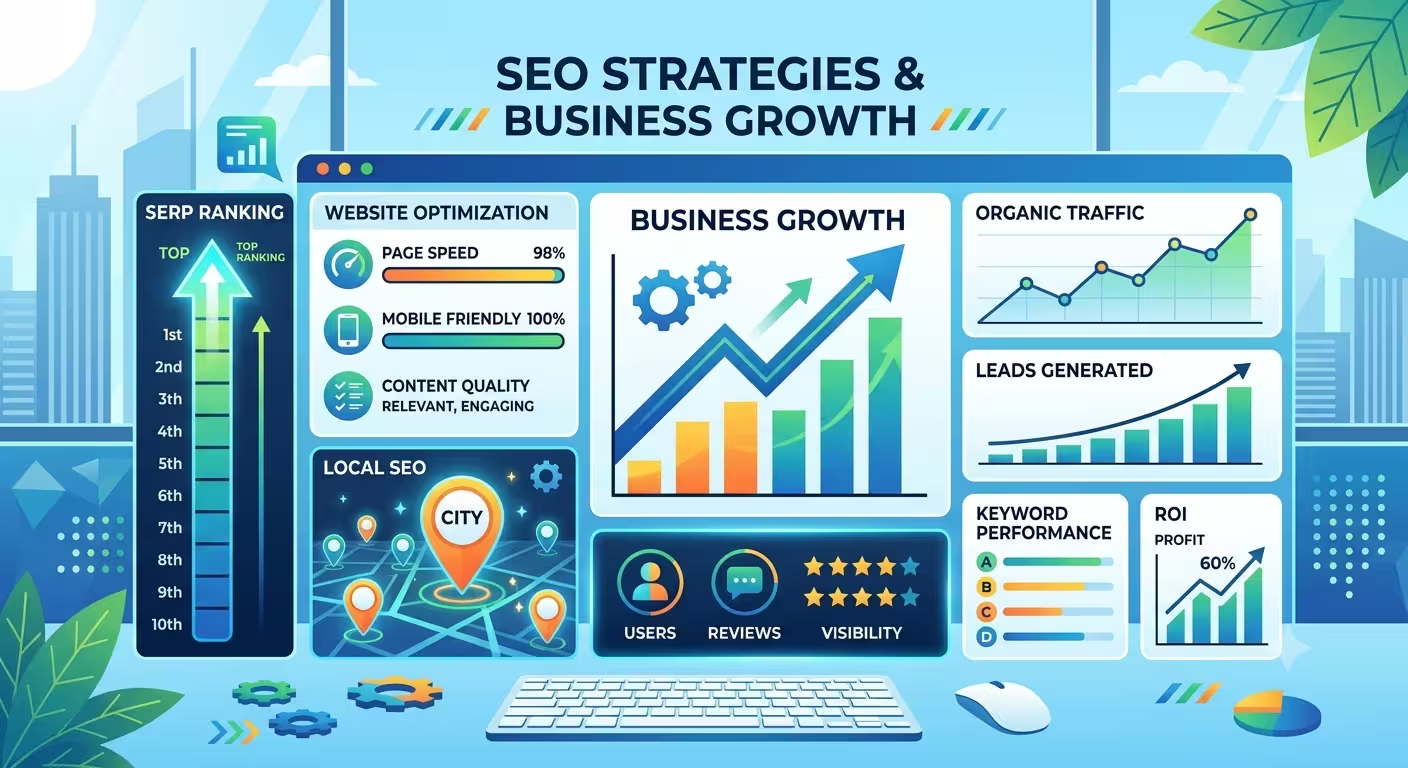
Search Engine Optimization (SEO) is one of the most powerful tools businesses can use to attract customers online. Whether you're a local shop, a service provider, or a growing startup, showing up on Google when people search for your products or services can make the difference between gaining a new customer and losing them to a competitor.
Yet, many small and medium-sized businesses unknowingly make mistakes that hold them back. These mistakes don't just prevent higher rankings — they also waste time, reduce visibility, and limit growth opportunities. The good news is that most of these errors are easy to fix once you know what they are.
In this article, we'll break down three of the most common SEO mistakes businesses make, explain why they matter, and show you practical steps to correct them. By the end, you'll have a clear roadmap to strengthen your online presence and start attracting more customers through search.
1. Ignoring Local SEO
The Mistake
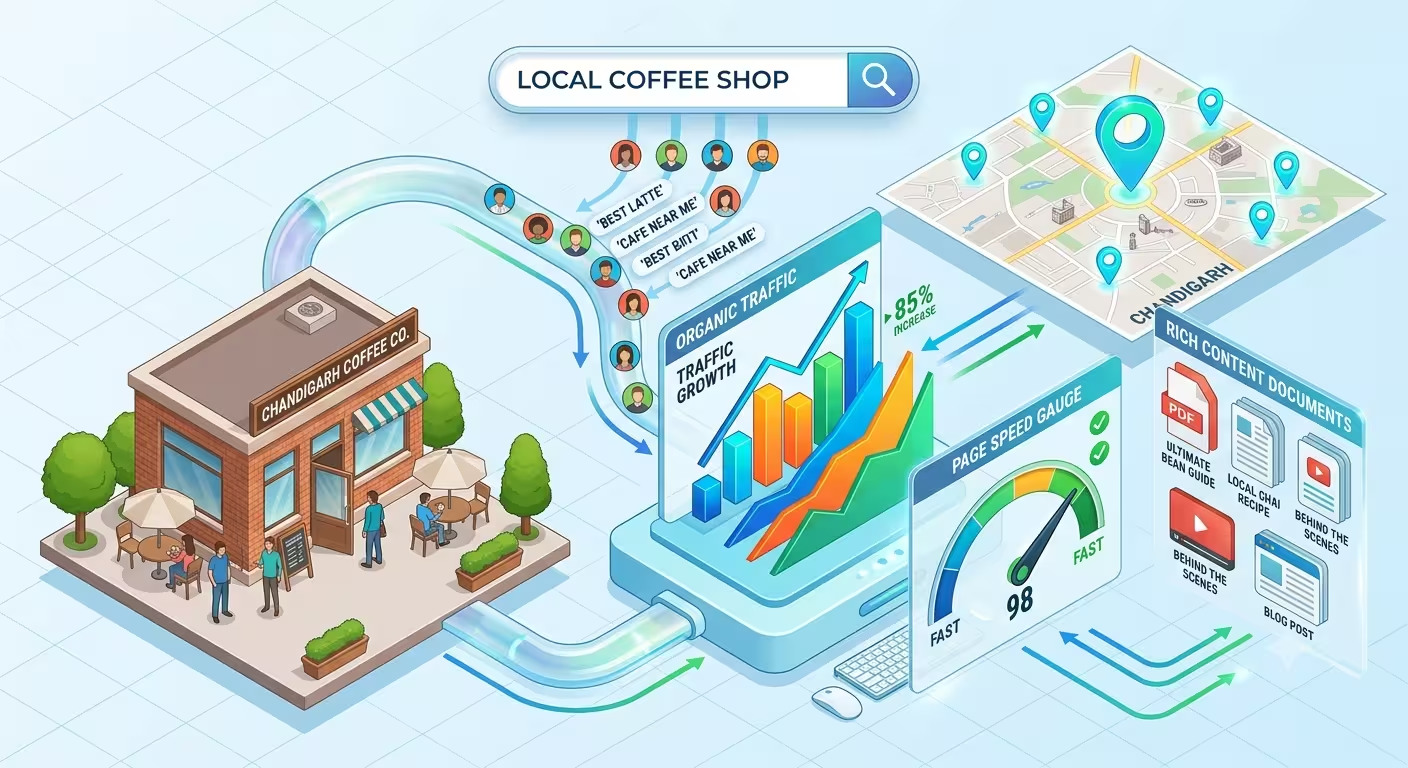
Many businesses focus only on broad, generic keywords like "best services" or "affordable products." While these terms may sound appealing, they are extremely competitive and don't help you reach the customers who are actually nearby and ready to buy. For example, a bakery in Chandigarh targeting "best cakes" will compete with thousands of websites worldwide, so when they target "best bakery in Chandigarh", they'll reach people searching locally — the ones most likely to walk into their shop.
Ignoring local SEO means missing out on high-intent customers who are actively searching for businesses in their area.
Why Local SEO Matters
- Search intent is local: Over 40% of Google searches have local intent (e.g., "near me" queries).
- Mobile dominance: Most local searches happen on smartphones, often when people are ready to visit or buy.
- Google prioritizes proximity: If your business isn't optimized for local SEO, competitors nearby will outrank you.
The Fix
1. Optimize Your Google Business Profile (GBP)
- Fill in every detail: business name, address, phone number, website, hours, and services.
- Upload high-quality photos of your store, products, or team.
- Regularly update posts (offers, events, new products).
- Respond to reviews — both positive and negative — to show engagement.
- Example: A digital marketing agency in Shimla should list services like "SEO, Google Ads, Content Marketing" and upload photos of their office or team.
2. Use Location-Based Keywords
- Instead of generic terms, add city or neighborhood names.
- Examples: "digital marketing agency in Shimla", "affordable coaching institute near Mall Road", "best bakery in Chandigarh."
- Include these keywords naturally in titles, meta descriptions, headings, and blog posts.
- Example: A homestay could write a blog titled "Top 5 Affordable Homestays near Ridge Shimla."
3. Build Citations in Local Directories
- List your business in trusted directories like Justdial, Sulekha, Yelp, TripAdvisor, or local chamber of commerce sites.
- Ensure NAP consistency (Name, Address, Phone) across all listings.
- More citations = stronger local signals to Google.
- Example: A café should appear consistently in Google Maps, Zomato, Swiggy, and local food blogs.
Real-World Impact
By fixing local SEO:
- A bakery in Chandigarh can appear in "best bakery near Sector 17" searches.
- A homestay in Shimla can show up when tourists search "affordable homestay near Mall Road."
- A coaching institute can attract students searching "SSC coaching Shimla."
Local SEO ensures your business is visible exactly when nearby customers are ready to buy, book, or visit.
2. Thin or Generic Content
The Mistake
Many business websites have a homepage and a few service pages with minimal text — often just a short description, a phone number, and maybe a menu or list of services. From Google's perspective, this is "thin content." Thin content doesn't provide enough value, depth, or uniqueness for search engines to consider it worth ranking.
For example:
- A coaching institute that only has a homepage saying "We provide SSC coaching in Shimla" will struggle to rank because it doesn't explain how they teach, what makes them different, or provide resources for students.
- A bakery that only lists its menu without stories, recipes, or customer reviews won't stand out against competitors who publish engaging blog posts like "Top 5 Cakes for Weddings in Chandigarh."
Thin content makes Google think your site isn't authoritative or useful, so it gets pushed down in search results.
Why Content Depth Matters
- Google rewards expertise: Detailed, well-structured content signals authority.
- Users stay longer: Rich content keeps visitors engaged and reduces bounce rates.
- More keywords rank: Longer, informative pages naturally include more keyword variations.
- Trust building: Case studies, FAQs, and customer stories will make your business credible.
The Fix
1. Create Pillar & Cluster Content
- Pillar posts: Big, comprehensive guides (e.g., "Affordable SEO Services for Small Businesses in Shimla").
- Cluster posts: Smaller, focused blogs that link back to the pillar (e.g., "3 SEO Mistakes Businesses Make" or "How Local SEO Helps Homestays Attract Tourists").
- This structure shows Google you're an authority on the topic.
2. Add FAQs, Case Studies, and Customer Stories
- FAQs: Answer common questions customers ask (e.g., "How long does SEO take to show results?").
- Case studies: Share real examples of how your service helped a client.
- Customer stories: Testimonials or success stories add authenticity.
- Example: A digital marketing agency could publish a case study: "How We Helped a Shimla Café Increase Foot Traffic by 40% Using Local SEO."
3. Use Proper Headings and Alt Text
- Break content into sections with H1, H2, H3 tags for readability.
- Add descriptive alt text to images (e.g., "Chocolate cake at XYZ Bakery Chandigarh").
- This helps both SEO and accessibility.
4. Expand Service Pages
- Instead of just listing services, explain each one in detail.
- Example: A coaching institute's "SSC Coaching" page could include syllabus breakdown, teaching methods, success rates, and student testimonials.
Real-World Impact
By fixing thin content:
- A coaching institute can rank for queries like "best SSC coaching in Shimla with success rate."
- A bakery can attract traffic for "birthday cakes Chandigarh" or "custom wedding cakes Shimla."
- A digital agency can rank for "affordable SEO services in Himachal Pradesh."
Rich, detailed content not only improves rankings but also builds trust and converts visitors into paying customers.
3. Poor Technical SEO
The Mistake
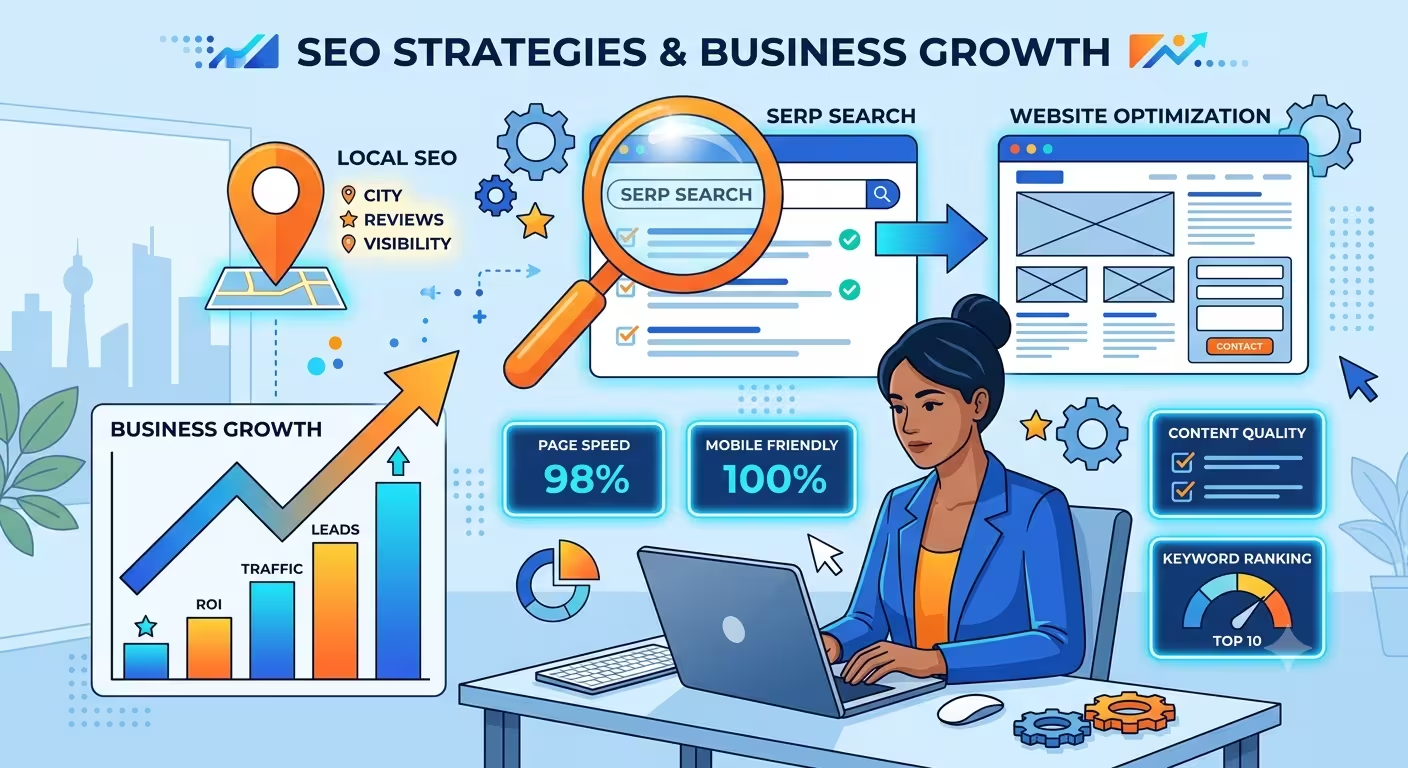
Even if your content is strong and your keywords are well-researched, technical issues can quietly destroy your SEO performance. Slow websites, broken links, missing mobile optimization, or incorrect canonical tags all send negative signals to Google.
When users land on a site that loads slowly or doesn't display properly on mobile, they leave quickly. This increases your bounce rate, which Google interprets as poor user experience. Similarly, broken links or duplicate content confuse search engines, making it harder for them to crawl and index your site correctly.
For example:
- A local bakery with a slow website may lose impatient mobile users searching for "cakes near me."
- A digital agency with duplicate service pages may confuse Google about which page to rank.
- A coaching institute with broken links to course details may frustrate students and reduce trust.
Why Technical SEO Matters
- User experience: Fast, mobile-friendly sites keep visitors engaged.
- Crawlability: Search engines need clean site structures to index pages properly.
- Ranking signals: Page speed, mobile usability, and secure connections (HTTPS) are direct ranking factors.
- Trust: A technically sound site builds credibility with both users and search engines.
The Fix

1. Make Sure Your Site is Mobile-Friendly and Loads Fast
- Use responsive design so your site adapts to all screen sizes.
- Compress images and use modern formats (WebP).
- Enable caching and use a Content Delivery Network (CDN) for faster global loading.
- Test your site with Google's PageSpeed Insights and Mobile-Friendly Test.
- Example: A homestay website in Shimla should load quickly on mobile, since most tourists search on phones while traveling.
2. Fix Broken Links and Set Up Proper Canonical Tags
- Regularly audit your site for broken internal and external links.
- Use tools like Screaming Frog or Ahrefs to identify errors.
- Add canonical tags to avoid duplicate content issues (e.g., if both services.html and /services exist).
- Example: A digital agency should ensure that blog posts don't have multiple URLs pointing to the same content, which dilutes SEO value.
3. Submit an XML Sitemap to Google Search Console
- Generate a sitemap that lists all important pages.
- Submit it in Google Search Console so crawlers know what to index.
- Update the sitemap whenever you add or remove pages.
- Example: A coaching institute launching new course pages should update its sitemap so Google discovers them quickly.
4. Check for HTTPS and Security
- Make sure your site uses SSL (HTTPS).
- Google gives preference to secure sites.
- It also builds trust with users entering personal details.
5. Improve Site Architecture
- Keep URLs clean and descriptive (e.g., /seo-services-shimla instead of /page?id=123).
- Use logical navigation so users and crawlers can find content easily.
- Add internal links between related pages to strengthen crawl paths.
Real-World Impact
By fixing technical SEO:
- A bakery can appear faster in "near me" searches because the site loads quickly on mobile.
- A digital agency can avoid duplicate content penalties and rank its main service page higher.
- A coaching institute can ensure new course pages are indexed quickly, attracting students searching online.
Final Takeaway: Technical SEO is the foundation of your website. Without it, even the best content won't rank. Focus on speed, mobile usability, clean architecture, and proper indexing to ensure your site performs well in search results.
Why Fixing These Mistakes Matters
Correcting SEOmistakes isn't just about improving rankings — it directly impacts how customers discover, trust, and choose your business. Let's break it down:
1. Rank Higher in Search Results
When your site is optimized for local SEO, rich content, and technical health, Google rewards you with better visibility. Higher rankings mean your business shows up when potential customers are actively searching for your products or services. Example: A bakery in Chandigarh that fixes local SEO issues can appear in "best bakery near Sector 17" searches, instantly reaching nearby buyers.
2. Attract More Qualified Leads
SEO isn't about random traffic — it's about attracting people who are already interested in what you offer. Local keywords, detailed content, and fast websites ensure that visitors are genuinely looking for your services. Example: A coaching institute in Shimla with optimized content will attract students searching "SSC coaching Shimla with success rate." These are high-intent leads, not casual browsers.
3. Build Trust and Visibility Without Heavy Ad Spend
Paid ads can bring quick traffic, but they stop the moment you stop paying. SEO builds long-term visibility that keeps working for you. Rich content, positive reviews, and a technically sound website make your business look professional and trustworthy. Example: A digital marketing agency that publishes case studies and fixes technical SEO issues will appear credible to both Google and clients, without spending thousands on ads.
4. Create a Sustainable Growth Engine
SEO compounds over time. The more content you publish and optimize, the stronger your authority becomes. Fixing mistakes early ensures that every new blog, service page, or customer story adds to your long-term growth. Unlike ads, SEO builds a foundation that keeps delivering results month after month.
Final Takeaway: Fixing these mistakes means your business won't just show up online — it will attract the right customers, build trust, and grow sustainably without relying on expensive advertising.
Frequently Asked Questions
1. What is SEO and why is it important for small businesses?
SEO (Search Engine Optimization) helps businesses appear in Google search results, attract more customers, and compete with larger brands without heavy ad spend.
2. How long does it take to see results from SEO?
Typically, small results are visible in 4–6 months, with steady growth after 12 months. In competitive niches, it may take longer.
3. What is Local SEO and how does it help businesses?
Local SEO focuses on optimizing your business for location-based searches, like "best bakery in Chandigarh". It helps attract nearby customers who are ready to buy.
4. Why does Google consider some content "thin"?
Content is considered thin if it lacks depth, originality, or value — for example, a single page with minimal text and no supporting information.
5. What are pillar and cluster posts in SEO?
Pillar posts are comprehensive guides on a broad topic, while cluster posts are smaller, focused articles that link back to the pillar, creating a strong content structure.
6. How can businesses improve their website's technical SEO?
By ensuring fast loading speeds, mobile-friendly design, fixing broken links, using HTTPS, and submitting XML sitemaps to Google Search Console.
7. Do backlinks still matter for SEO?
Yes. Backlinks from trusted websites signal authority to Google. Even though Quora links are nofollow, they can drive traffic and lead to natural dofollow backlinks.
8. Can SEO replace paid advertising?
SEO builds long-term visibility, while ads provide instant but short-term traffic. The best strategy is to use both, but SEO ensures sustainable growth.
9. What are the most common local SEO mistakes businesses make?
Not optimizing Google Business Profile, ignoring customer reviews, and failing to use location-based keywords are the biggest mistakes.
10. How do I know if my SEO strategy is working?
Track metrics like organic traffic, keyword rankings, leads generated, and conversions using tools like Google Analytics and Search Console.
Conclusion
SEO isn't about shortcuts or tricks — it's about building a solid foundation that makes your business easy to discover online. By focusing on local SEO, creating rich and valuable content, and maintaining strong technical health, you set your business up for long-term success.
Fixing these mistakes doesn't just improve rankings — it helps you attract the right customers, build credibility, and grow sustainably without relying on expensive ads. Think of SEO as an investment: the effort you put in today will pay off month after month, compounding into greater visibility and trust.
Businesses that commit to patience and consistency in SEO will see steady growth in both search rankings and customer inquiries — turning online visibility into real-world success.
Ready to take your business SEO to the next level? Explore more practical strategies and step-by-step guides on our blog at DigiNests — and start building the online visibility your business deserves.
Call/WhatsApp: 7876832529